Build an iPhone App in ChatGPT with Cabano (2026)
Most app ideas start as a conversation. You’re talking something through in ChatGPT, maybe a habit you want to track, a tool for your team, or a small business idea, and at some point the obvious next step is “I wish this were an app on my phone.”
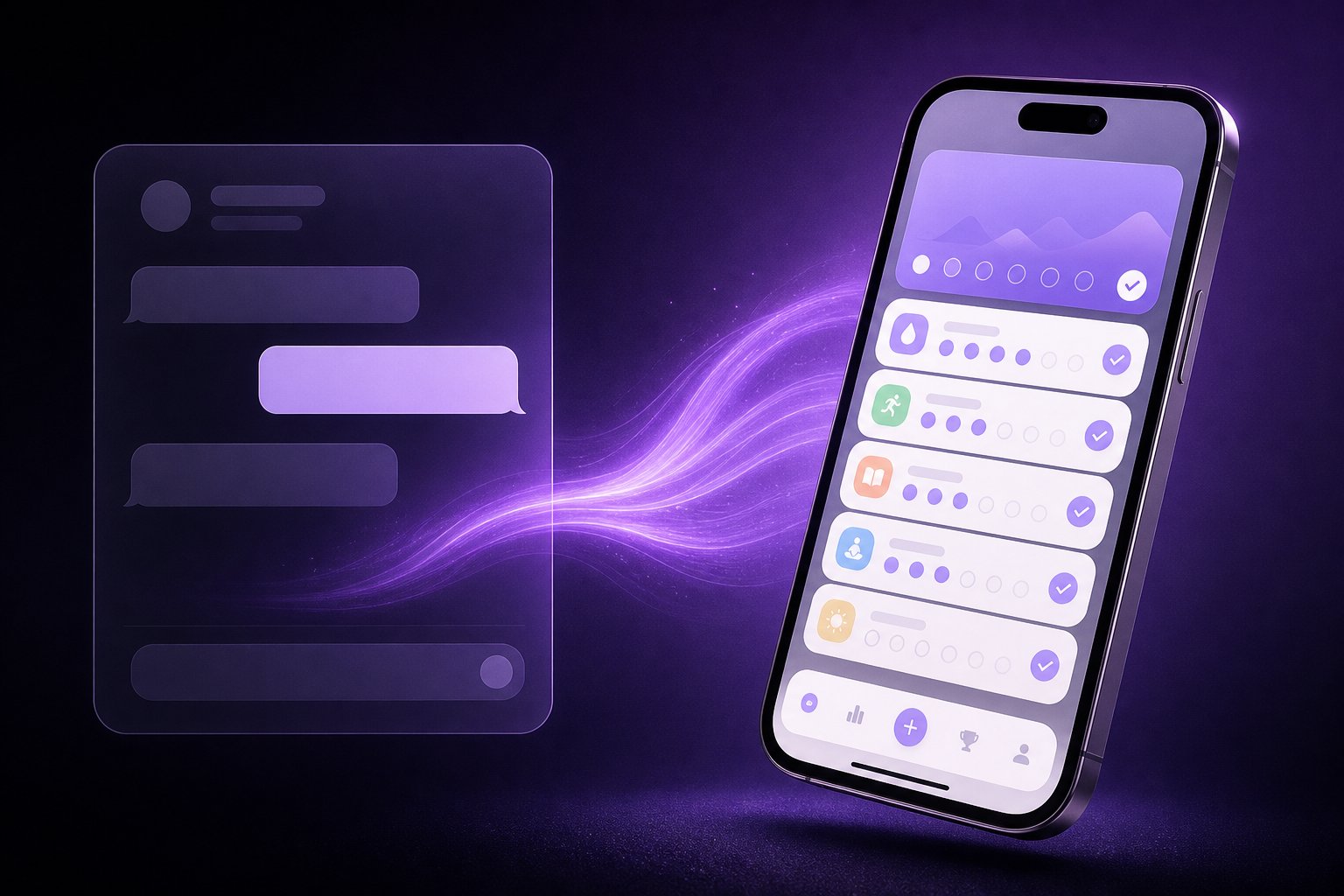
Now you can build it without leaving that chat. Cabano is available as an app inside ChatGPT. Describe what you want, and Cabano builds a native iPhone app, runs it on a real iPhone simulator, and shows you the result right in the chat. Then you keep the conversation going to change it.
What you can do from ChatGPT
The ChatGPT app covers the whole build-and-iterate loop:
- Create an app. Describe it in plain English and Cabano starts a build. It’s a real native SwiftUI app for iOS, not a web page in a wrapper. (Why that matters.)
- Watch the build. A build card in the chat tracks progress while Cabano’s AI writes, compiles, and checks the code. When it finishes, you get a summary of what was built.
- See it running. Ask for a preview and Cabano boots your app on an iPhone simulator. The card shows a live screenshot and a link to use the app interactively in Cabano.
- Change it. “Add a dark mode.” “Make the streak counter bigger.” “Let me mark notes as favorites.” Each request becomes a new revision of the same app, so earlier versions stay in your history.
- Pick up where you left off. Ask ChatGPT to find one of your apps by name and it can check its status and keep editing it, including apps you started in the Cabano editor.
How to connect Cabano to ChatGPT
- In ChatGPT, open the apps directory and search for Cabano.
- Select Connect. You’ll be sent to cabano.app to sign in with Google or Apple. If you don’t have a Cabano account yet, this step creates one.
- Approve access. ChatGPT can now see your Cabano apps and build on your behalf. You can disconnect at any time from Settings → Connections in Cabano.
That’s the whole setup. After that, the next message is the one that matters.
Your first prompt
Connecting is just the setup. Nothing gets built until you ask, so go back to the chat and describe the app. Mentioning Cabano by name makes sure ChatGPT hands the request to the right tool:
Use Cabano to build an iPhone app that tracks how much water I drink each day and reminds me when I fall behind.
A few things that make the first build better:
- Describe the screens, not the code. “A list of notes, a note editor, and an add button” beats “a CRUD app with a NavigationStack.”
- Say how data should behave. “Save everything on the device” or “keep a history I can scroll back through” changes what gets built.
- Give it a look. “Simple purple and white” or “calm, like a meditation app” is enough for a coherent design.
More techniques are in the prompting guide.
A first build takes a few minutes, and the build card updates on its own while it runs. You don’t need to keep asking ChatGPT whether it’s done. (What happens during a build.)
What stays in Cabano
The ChatGPT app is built for creating and iterating. A few things deliberately happen in the full Cabano editor, where you have more room and more control:
- Publishing. Sending a build to TestFlight or the App Store needs your Apple Developer account and an App Store Connect key, so that lives in Cabano. (Publishing guide.)
- Running on your own iPhone. Installing a build on a physical device is done from the editor. (Run on your device.)
- Deleting apps and managing integrations like Supabase and RevenueCat.
Every build card links straight to that app in Cabano, so moving from the chat to the editor takes one tap. Builds from ChatGPT and builds from the editor are the same app with the same revision history, and they use your Cabano account in the same way. (How credits work.)
What it doesn’t do (yet)
- iPhone only. Cabano builds native iOS apps. If you ask for an Android APK, ChatGPT will tell you that and offer an iPhone version instead.
- United States first. The ChatGPT app is currently listed in the US. Cabano itself is available in more regions, and we plan to expand the listing.
Why ChatGPT
We built Cabano so anyone with an idea could get to a real native app, not a prototype. ChatGPT is where a lot of those ideas already live. Building inside the conversation where the idea took shape removes one more step between “I wish this existed” and holding it in your hand.
If you’re already in ChatGPT, connect Cabano and try the water-tracker prompt above. If you’d rather start in the editor, build your first app on cabano.app. It’s the same Cabano either way.