iOS App Marketing: How to Get Users and Grow Revenue
To market an iOS app, choose a specific audience, demonstrate the problem your app solves, and help new users reach a useful result quickly. Start with one repeatable acquisition channel, measure installs through to purchases and repeat use, then test paid ads against the revenue those customers actually contribute.
Cabano is an AI app builder for native iOS apps. You can describe your idea, preview a SwiftUI app in a live iPhone simulator, refine it in chat, and prepare it for TestFlight and App Store submission. This guide covers the next part: finding people who want to use it.
Our approach is to spend the time saved building on learning from customers. Whether your goal is your first ten subscribers or a larger app business, the sequence is the same: validate a focused need, earn attention, deliver value, and scale what customers keep using.
In this guide
- Choose your audience and validate demand
- Build and test the core experience
- Use App Store optimization and organic content
- Work with influencers and UGC creators
- Improve onboarding and paid conversion
- Test paid ads and acquisition costs
- Scale acquisition while tracking retention
- Follow a 30-day app marketing plan
- Frequently asked questions

AI-generated editorial image for this guide.
1. Choose your audience and validate app demand
A useful starting point is a specific person doing a specific job. A workout logger for people returning to the gym. A practice planner for piano teachers. A shift organizer for nurses with changing schedules.
Specificity helps you make product decisions. It also tells you where to find potential users and what to show them.
Before building, answer three questions:
- Who has this problem, and when does it happen?
- What do they use today, and what frustrates them about it?
- Where can you reach people with that same need?
Study existing apps, especially their reviews. Look for repeated complaints and underserved workflows. A useful distinction might be fewer steps, better accessibility, or a feature that fits a particular profession. A new color palette alone gives someone little reason to switch.
Talk to a handful of potential users. Ask them to show you how they handle the task today. A workaround they already spend time on is more informative than a polite response to your idea.
Then write one sentence: This app helps [person] achieve [result] when [situation]. Use it to guide your first build and your first demo.
2. Build and test the core iPhone app experience
Your first version needs a clear path from opening the app to accomplishing its main job. Keep the scope small enough that you can watch someone complete that path and understand where they struggle.
For a practice planner, that could mean choosing an instrument, scheduling a session, completing it, and seeing progress. Social feeds and elaborate rewards can wait.
In Cabano, make the desired behavior explicit:
Build a native iPhone practice planner for adult piano beginners. Let someone create a ten-minute session, check off exercises, and see their practice history. Keep the first session easy to start. Use local storage for this first version.
Use the live iPhone simulator to review each build. Ask for targeted changes, then test on a real device through the available device-testing workflow. Our first-app guide walks through getting started.
Invite early testers and watch them use it without coaching. Fix broken flows, unclear buttons, lost data, and anything that prevents the promised result. You can start marketing while improving the app; basic reliability is part of earning a recommendation.
A quiet launch day is not a final verdict. Before abandoning the idea, check whether the right people saw it, understood it, and reached its useful moment.
3. Use App Store optimization and organic content
App Store optimization (ASO) means improving your app listing so relevant people can discover it and understand why to download it. Work on your listing alongside the channels that send people there.
Start with one main distribution channel you can maintain. That might be short videos, a professional community, a newsletter, or direct conversations with people who have the problem.
For your App Store page, lead with the benefit. A piano planner’s first screenshot might say “Know what to practice in your next ten minutes,” alongside the session screen. Make the screenshots, description, and actual first experience tell the same story.
As traffic grows, Apple’s product page optimization lets you test variants of assets such as screenshots, previews, and icons. Use those tests to answer a specific question, such as which benefit helps visitors understand the app.
For social content, try three repeatable formats:
| Format | What to show | Example opening |
|---|---|---|
| Problem and demonstration | A recognizable frustration, followed by the relevant app action | “I kept spending my practice time deciding what to play.” |
| A useful walkthrough | One task from beginning to end | “Here’s how I plan a ten-minute piano session.” |
| A lesson from building | Real feedback and the change it prompted | “Our testers couldn’t find their next exercise. Here’s what we changed.” |
Start with a manageable rhythm, such as three to five original posts a week. Adapt the strongest ideas for other platforms. Study successful formats in your category, then write your own hooks and use footage you own or have permission to use.
Give each post a clear next step: try the app, join the beta, or visit the download page. Track visits and subsequent actions where your tools allow. Views tell you about attention; activated users tell you more about whether the message attracted the right people.
4. Test influencer marketing and UGC creators
Influencer partnerships and user-generated content serve different purposes. An influencer brings an audience. A UGC creator produces material you can publish or use in advertising. One person can do both, but the agreement should specify what you’re buying.
Choose people whose audience matches the problem. For the practice planner, a music teacher with thoughtful comments from adult beginners may be a better experiment than a much larger general entertainment account.
Start with a small, defined collaboration. Agree on the deliverables, fee, timing, revisions, and rights to reuse the content or run it as an ad. Make sponsorship clear. If you want the creator to describe their experience, give them time to actually use the app.
A useful brief can be short:
Show how you decide what to practice, then demonstrate creating and completing a session. Explain what helped and what you would change. End with where viewers can try the app.
Compare partnerships using the best downstream evidence available: qualified visits, installs, first useful actions, and paying customers. A cheap view is valuable only if it helps you reach someone likely to benefit.
5. Improve app onboarding and paid conversion
The first session should connect the reason someone downloaded your app to something useful they can do now.
For a practice planner, ask about their instrument and available time, offer a session, and let them begin. Ask questions when the answers change the experience. Save optional profile details for later.
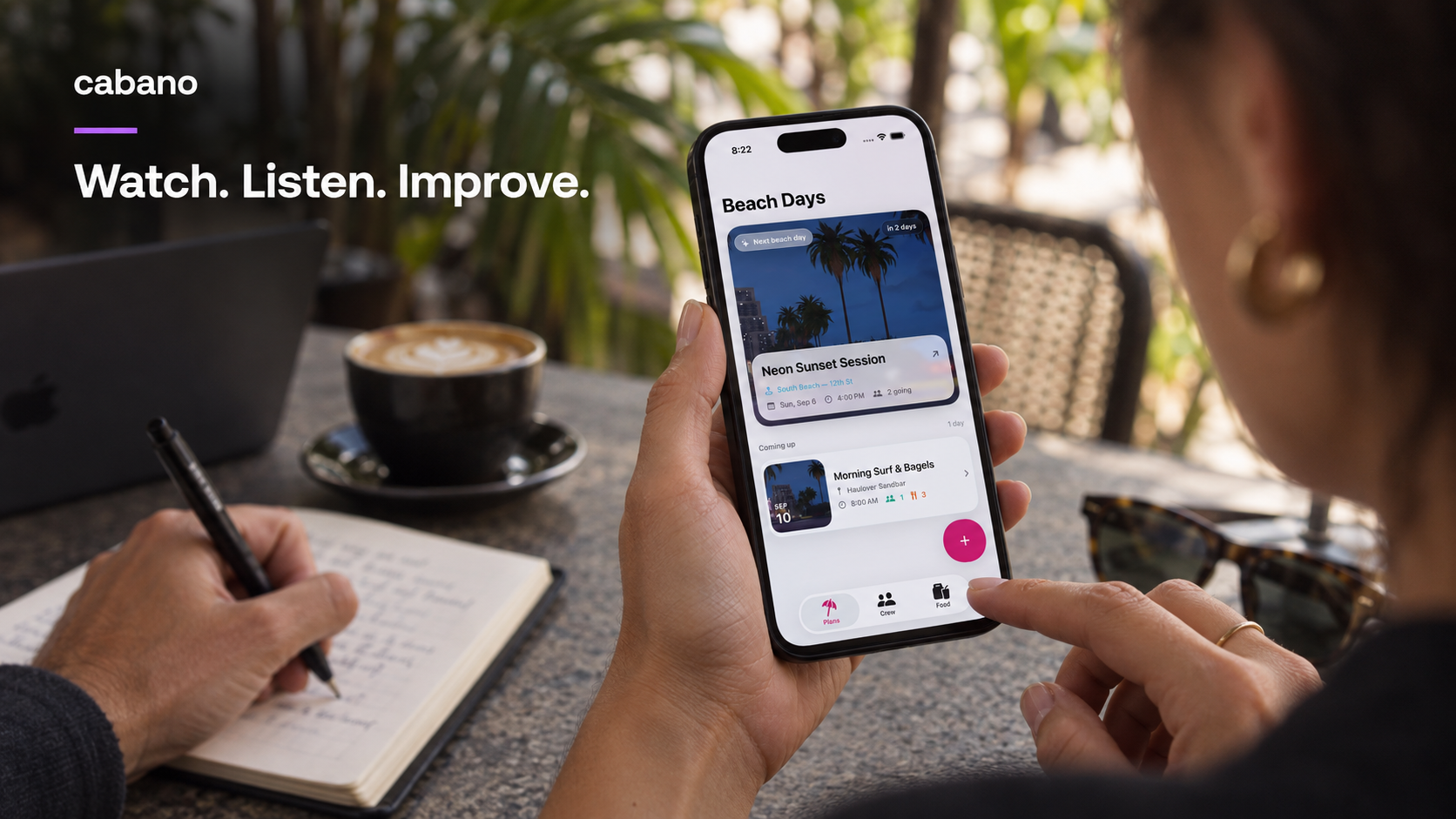
Watch someone try your app and note where they hesitate. AI-generated scene using the Beach Days homepage demo as a visual reference.
There is no ideal number of onboarding screens for every app. Each screen should earn its place. Watch where people hesitate, abandon the flow, or fail to understand the result.
With Cabano, you can turn that observation into a precise revision:
Let a new user start a sample practice session before creating a profile. Ask only for their available time, then show the exercise list and a clear Start button.
When you introduce payment, explain what the customer gets, the price, the billing period, and any trial terms. Choose a free experience, trial, or paid entry based on the product and audience, then evaluate both purchases and continued use.
For implementation, our subscriptions and paywalls guide covers Cabano’s RevenueCat workflow. Setting up your products and testing purchase and restore flows are part of preparing the app to charge customers.
6. Test paid app acquisition and measure customer cost
Paid ads can help you test demand and expand reach. Start with a bounded experiment: a defined audience, a few clear demonstrations, a budget you can afford to lose, and a decision you want the test to inform.
Organic content can supply promising creative, but strong organic engagement does not guarantee profitable ads. Test whether people who respond to the ad go on to use and pay for the app.
Look at the journey in stages:
Ad or post → store visit → install → first useful action → purchase → continued use.
Track counts as well as percentages, and compare groups acquired through similar channels and time periods. Let trials finish before evaluating trial-to-paid conversion. An early percentage based on a few people can change substantially with the next few signups.
For this guide, paid customer acquisition cost (CAC) is campaign spend divided by the number of new paying customers attributed to that campaign. It differs from cost per install: someone can download an app without becoming a customer. Include creator fees and production costs when comparing the full cost of different campaigns.
Payback period is the time it takes a customer’s cumulative contribution after variable costs to cover acquisition cost. Retention measures how many people from a starting group remain active or subscribed after a defined period; say which definition you are using.
Here is an illustrative calculation, not a Cabano customer result:
| A small campaign | Example |
|---|---|
| Ad spend | $300 |
| New paying customers attributed to the campaign | 15 |
| Acquisition cost per paying customer | $20 |
| Monthly contribution per active subscriber after store fees and variable service costs | $4 |
| Simple payback if that contribution continues | 5 months |
That five-month figure assumes the customer remains subscribed and keeps contributing $4 each month. Cancellations, refunds, and additional costs can make the actual result worse. Retention determines whether that apparent payback becomes real.
There is no universal download-to-trial percentage that makes advertising profitable. Price, trial conversion, retention, service costs, and acquisition cost all matter. RevenueCat’s Subscription Value Loop is a useful framework for connecting acquisition, product value, and monetization.
Before increasing spend, identify the weak point. Few store visits may mean the creative is unclear. Installs without useful actions point toward a mismatch or onboarding issue. Purchases followed by quick cancellations call for a closer look at the ongoing value.
7. Scale acquisition while measuring retention
Once a channel brings customers who stay, increase your investment gradually. Watch whether acquisition cost, conversion, and retention hold as you reach a wider audience. A good small experiment is a reason for a larger test.
Keep speaking to customers. Ask what brought them in, what made the app useful, and what nearly stopped them. Read support messages alongside the numbers.
Your product work should follow those findings. If users struggle to resume a session, improve that path. If they request an export because they share progress with a teacher, investigate it. Let recurring needs guide the roadmap.
Retention belongs in the conversation from the first users onward. You need enough time to observe it, but you can start learning immediately by asking whether people return when the problem comes up again.
Your first 30 days of iOS app marketing
Treat this as a working schedule, with room for testing and App Store review:
- Week 1: Narrow the idea. Talk to potential users, choose one problem, and build the core workflow in Cabano.
- Week 2: Test the experience. Put it in testers’ hands, fix the main obstacles, prepare your store page, and record a few demonstrations.
- Week 3: Find a message that resonates. Publish consistently in one main channel. Track responses, visits, and first useful actions. Improve the confusing parts of onboarding.
- Week 4: Run the next experiment. Depending on what you’ve learned, test a creator collaboration, a small ad campaign, or a more focused audience. Review purchases and early repeat usage together.
By the end, you want clearer answers: who needs the app, how to reach them, and what makes them use it again. Those answers tell you where the next month of effort belongs.
iOS app marketing: frequently asked questions
How do I get the first users for my iPhone app?
Find people with the specific problem your app solves and invite them to try one complete task. Use a relevant community, direct conversations, or a short demonstration to reach them. Watch the first sessions, fix obstacles, and use what you learn to improve your App Store listing and next round of outreach.
Can I market an iOS app without paying for ads?
Yes. You can start with your own demonstrations, useful niche content, community participation, and referrals from early users. These channels require time and experimentation even when there is no media budget. Track whether they produce users who complete the core action and return.
When should I start running paid ads for my app?
Run a small test when the core experience works, the offer is clear, and you can measure what happens after an install. Set a spending limit and a question the test should answer. Increase spend only after reviewing paying-customer acquisition cost, contribution, and retention together.
What is a good download-to-trial conversion rate?
There is no single rate that makes every app successful. A trial start is an intermediate event; profitability also depends on trial-to-paid conversion, price, costs, and how long customers stay. Compare cohorts with the same measurement window and channel, and report the underlying counts when samples are small.
How many subscribers does an app need to make $50,000 a month?
At an assumed $10 per month, 5,000 active paying subscribers would generate $50,000 in gross monthly subscription revenue. That is arithmetic, not a growth forecast or profit estimate. Store fees, taxes, refunds, service costs, discounts, and acquisition spending affect what the business keeps; cancellations mean you also need to replace lost subscribers.
Can Cabano help me build and monetize an iOS app?
Cabano generates native SwiftUI apps from plain-English instructions and lets you preview them in a live iPhone simulator. Its publishing workflow helps you prepare builds for TestFlight and App Store submission, and its RevenueCat integration supports subscriptions and paywalls. You still need to configure your accounts and products, test the app, and find customers. Start with the iOS app building guide and subscription setup guide.
Put your first useful app in someone’s hands
Cabano helps you move from an idea to a native iPhone app you can test and refine. The opportunity is to use that speed to learn faster: make something useful, show it to the right people, and improve it with them.
Start building with Cabano. Choose one person, one problem, and one result your first version can deliver.